Summary
The world of digital art can be exciting, and one of the keys to unlocking its potential is a good drawing tablet with a screen. For beginners, there are several options offering the right balance between functionality and ease of use. In this article, we explore a selection of the best drawing tablets with screens for beginners, providing insights and understanding to help new artists make an informed choice.
Understanding Drawing Tablets with Screens
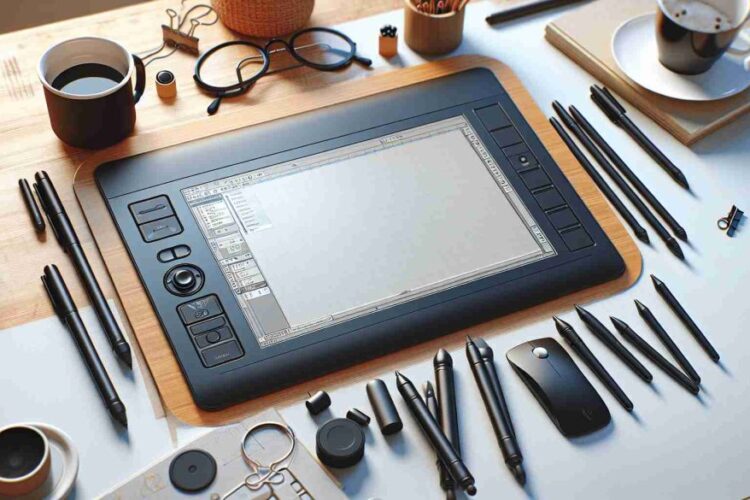
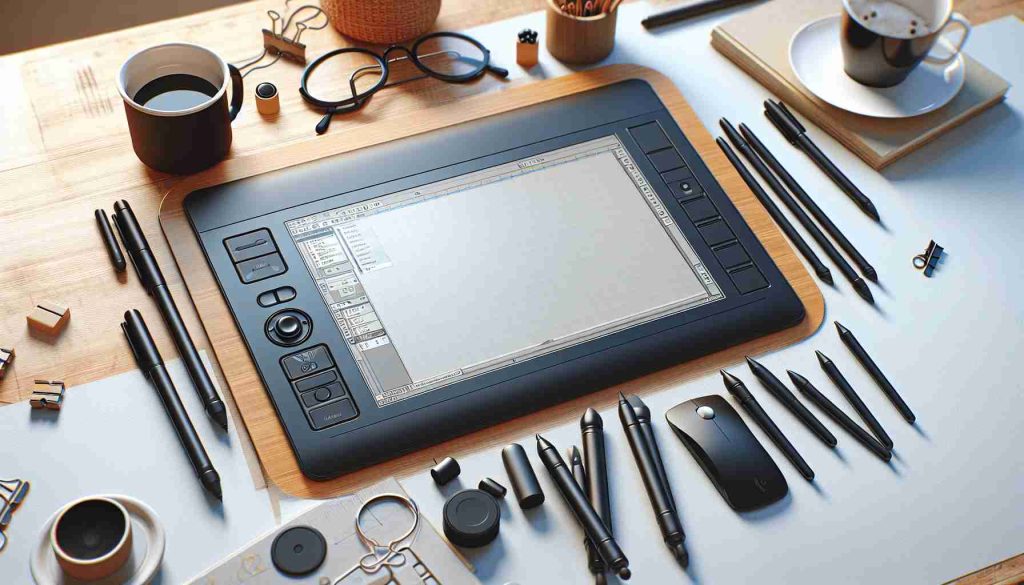
A drawing tablet with a screen, often referred to as a pen display, is a device that allows artists to draw directly onto a monitor that is integrated into the device, offering a more intuitive drawing experience similar to drawing on paper. This contrasts with traditional graphics tablets, which do not have a built-in screen and require the user to draw on a blank surface while looking at a separate computer monitor.
Key Features for Beginners
When selecting a drawing tablet for beginners, you should consider several key features:
– Pressure Sensitivity: The levels of pressure sensitivity determine how well the tablet registers light and heavy strokes, which affects the precision and depth of your artwork.
– Resolution: The resolution of the screen affects the clarity and details you can see while drawing.
– Size: Screen size is also important, as it dictates the active drawing area. Beginners may prefer a larger screen for a more immersive experience.
– Shortcut Keys: Having customizable keys or buttons on the tablet can speed up the workflow of the beginner artist.
– Compatibility: The tablet should be compatible with popular digital art software and the user’s computer operating system.
– Price: As beginners may not be ready to invest heavily, finding a tablet that offers good value for money is essential.
Top Picks for Beginners
1. Wacom One: Wacom is a well-known brand among digital artists, and the Wacom One is an excellent entry-level tablet with a generous 13.3-inch display and 4096 levels of pressure sensitivity.
2. Huion Kamvas Pro 12: Offering a slightly smaller screen at 11.6 inches, this tablet from Huion is another great pick for newcomers to digital art. It boasts a full-laminated screen and 8192 levels of pressure sensitivity.
3. XP-PEN Artist12: XP-PEN is another brand offering quality tablets at affordable prices. The Artist12 has a compact 11.6-inch display and comes with shortcut keys and a dial for ease of use.
4. GAOMON PD1161: GAOMON’s PD1161 is a budget-friendly option with 8192 levels of pressure sensitivity and a responsive 11.6-inch screen, perfect for beginners dipping their toes into digital art.
Remember that a personal preference plays a significant role in choosing a drawing tablet, so if possible, it’s best to try before you buy.
FAQ
Q: What makes a drawing tablet with a screen better for beginners than a traditional tablet?
A: Drawing directly onto a screen can offer a more natural and intuitive feel for beginners who are transitioning from traditional paper to digital media.
Q: Do beginners need a tablet with high levels of pressure sensitivity?
A: While not a necessity, higher levels of pressure sensitivity can provide a more nuanced drawing experience, which can be beneficial in the development of drawing skills.
Q: How important are shortcut keys?
A: Shortcut keys can significantly improve workflow efficiency, making them quite helpful for beginners to streamline their drawing process.
Q: Can I use these tablets with any software?
A: Most modern drawing tablets are designed to be compatible with popular digital art software, but it’s always a good idea to check compatibility with specific software before purchasing.
Insightful Analysis
While the choices for beginner drawing tablets with screens are ample, it’s integral that the selected device matches the novice artist’s immediate and short-term needs. Beginners should lean towards tablets that do not overwhelm them with too many advanced features but rather provide them with the necessary tools to master the basics. As a beginner’s confidence grows, they may find a need for more sophisticated devices, making these initial recommendations the ideal springboard for their digital art journey.
It’s important to remember that technology constantly evolves, and keeping an eye on new releases and updates can help you upgrade to better-suited devices as your skills advance. Whether choosing a Wacom, Huion, XP-PEN, or GAOMON device, the essential decision factor should be personal comfort with the tablet’s feel and interface.
In conclusion, the best drawing tablet with a screen for a beginner is one that not only fits their current skill level but also feels intuitive and comfortable to use. As beginners develop their talents and preferences, they may choose to upgrade to more advanced models, but starting with the right foundation is crucial to a rewarding digital art experience.

Leokadia Głogulska is an emerging figure in the field of environmental technology, known for her groundbreaking work in developing sustainable urban infrastructure solutions. Her research focuses on integrating green technologies in urban planning, aiming to reduce environmental impact while enhancing livability in cities. Głogulska’s innovative approaches to renewable energy usage, waste management, and eco-friendly transportation systems have garnered attention for their practicality and effectiveness. Her contributions are increasingly influential in shaping policies and practices towards more sustainable and resilient urban environments.